 Guppy
Guppy · free · open source · MIT
Watch a team of AI agents build on your PC.
Stop being the copy-paste between your AI tools. Guppy runs them as a crew: you talk to one, and you can watch them all.
1.1.106 is the recommended download. Closing an agent terminal can no longer close an unrelated program, and terminal text no longer overlaps (release notes).
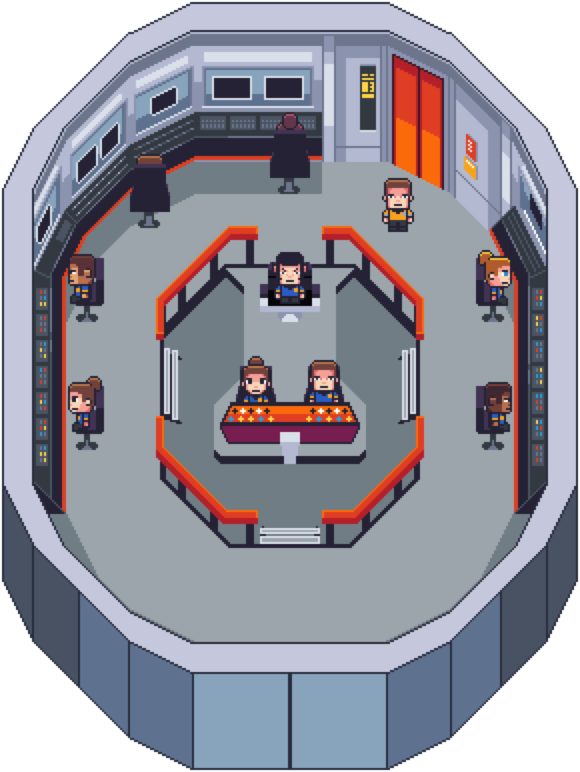
The TES bridge floor: the crew at their stations, passing mail.
Step 1: You ask one agent.
Type what you want into your lead agent, the one agent you talk to. Here it’s online booking for a physio clinic’s website. The lead agent decides who does what.
Blob says: That’s your lead agent. You only talk to them.
you> Add online booking to the clinic site.
On it. I’ll have Speck (Claude) build it and UHera (Gemini) audit it.
Step 2: It hands out the pieces.
The lead agent writes short mail to two agents in your crew, each running a different AI: a Claude Code agent builds the booking, and an Antigravity (agy) agent on a Gemini model audits it.
Blob says: Watch the mail go out.
Step 3: They work side by side, in real terminals.
Each agent is a real AI coding tool running in its own terminal. The live terminal stream of any agent is one click away.
- Claude Code
- Codex
- Grok
- Antigravity (agy)
- your own CLI
Blob says: Look, booking is appearing!
Step 4: A different AI audits it.
The lead agent asked for an audit, so UHera checks the work on Gemini, a different AI from the one that wrote it. When a test fails, it mails the builder a written finding, and the fix is checked again.
Blob says: Uh-oh: two people got 10:30. Back it goes.
Step 5: Big calls come to you.
Anything that spends money, deletes or overwrites things, or changes the plan waits in your approvals list. Routine requests, the lead agent settles itself.
- Spends money
- Deletes or overwrites things
- Changes the plan
Blob says: Publishing replaces the live page, so it asks you first.
Publish the new booking page?
From the lead agent: built by Speck (Claude), audited by UHera (Gemini).
Step 6: Done. And remembered tomorrow.
Results come back to the lead agent by mail. Each agent saves what it learned to notes on your disk, searchable and kept small automatically, so tomorrow your crew picks up where it left off.
Blob says: It’s live! And they’ll remember the fix.
$ memory get <key|card-id>
current value, plus what it replaced
$ memory search "release notes" --exact --newest
exact lines, newest first
$
Built to run for days, on your terms.
- Local only. Agents are terminal processes on your PC, and their mail is a local folder of plain files.
- Your subscriptions. It uses the plans you already pay for, and holds automatic work when a limit is reached or unknown.
- Never interrupts. Automatic messages wait until an agent’s terminal is free.
- Nothing phones home. No analytics, and updates only notify: nothing installs without you.
Works with Claude Code, Codex, Grok, Antigravity (agy) or your own CLI.
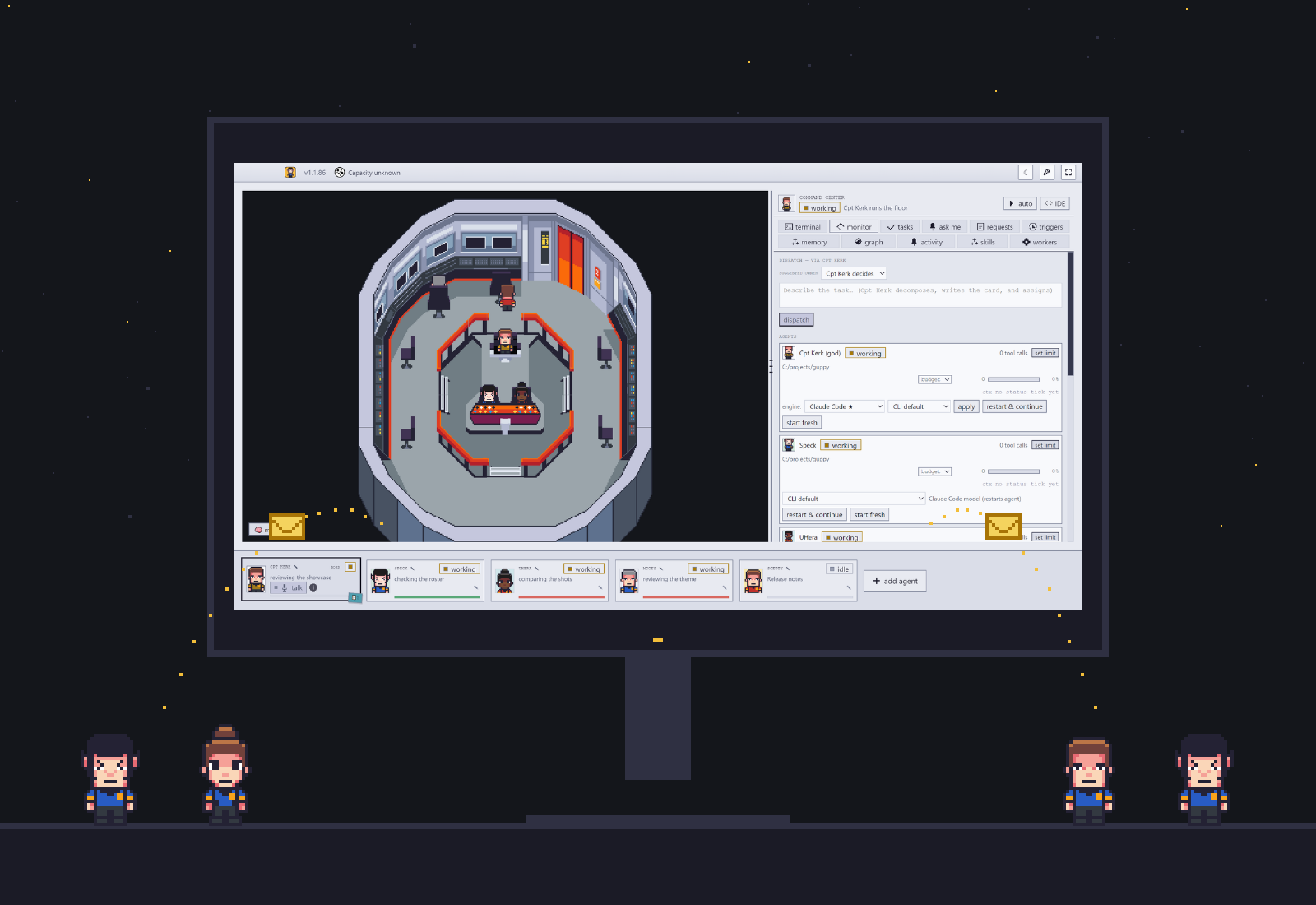
The numbers behind it.
Every change is independently reviewed before it ships, and each release is tested on the real installer.
~90% smaller
A real ~1 MB agent memory condensed 959,571 → 91,364 bytes in 3 passes, with 0 of 3,781 lines lost, on the packaged installer.
~214k → 0 tokens
A standup with nothing new costs no model call at all: Guppy checks locally whether anything changed first.
0 analytics
Builds ship without the analytics key: no client, no install id, nothing sent.
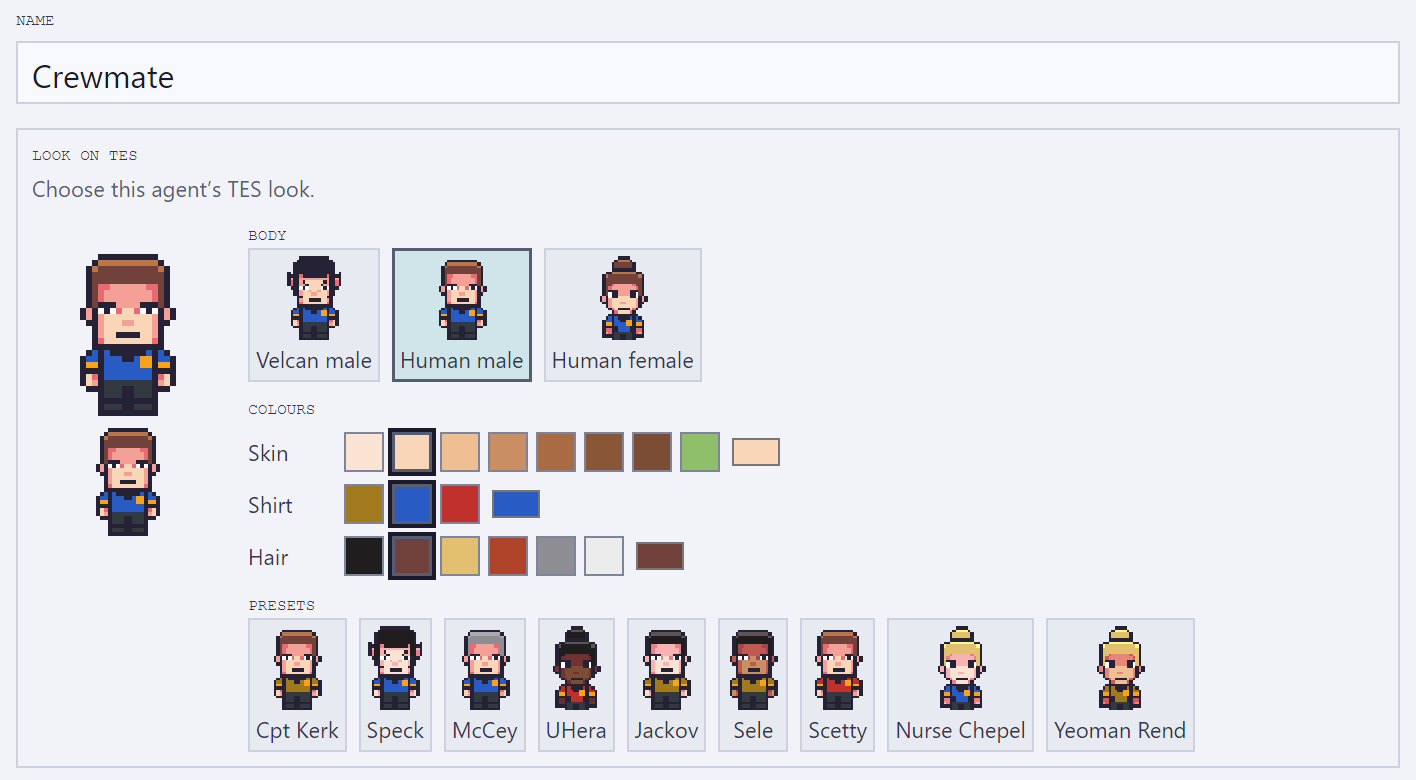
A starship bridge or an office. Your crew, your look.
Pick the starship bridge or the office theme, give each agent its own look when you add it, and watch them walk to their stations as they work.
Your crew’s newest member talks back.
Hold Ctrl+Alt+Space in any app, speak, and let go. The Blob shows it’s listening, and your words are typed into the field you were in.
- Any app on Windows. A prompt, an email, a commit message: wherever your cursor is. It never presses Enter for you.
- Off until you want it. Turn it on in Settings, add your own free Groq key, and start talking.
Privacy: when you use Blob dictation, your recorded audio goes to Groq for speech-to-text, under your own Groq account and key.
The Blob’s face is drawn with Blobatar, an MIT-licensed library.
Questions
Is this Munder Difflin?
It grew out of it. Guppy was Munder Difflin until 1.1.82, and is now a hardened, independently versioned fork built to run unattended for days. It takes upstream fixes by cherry-pick, and upstream deserves full credit for the concept and the foundation.
Does it cost anything?
No. Guppy is free and open source under the MIT License. Your agents run on the AI subscriptions you already pay for.
Do I need an API key?
No. Guppy is built to use the subscriptions you already pay for, on their limits. Running on a metered API key still works.
What leaves my machine?
Nothing from Guppy itself. Agents are local terminal processes and their mail is a local folder of plain files. Builds ship without the analytics key, so the analytics module sends nothing. Once Blob dictation arrives, the audio you record goes to Groq, under your own key, only when you use it.
What do I need to run it?
Windows x64 for the installer, plus at least one supported AI coding tool on your PATH: Claude Code (claude, the default), Antigravity (agy), OpenAI Codex (codex) or xAI Grok (grok).
Mac or Linux?
The installer is Windows x64. The code builds from source on macOS, Linux and Windows; see the build steps.
Coming from Munder Difflin?
The same: the floor, your agents, the mail between them, and the CLIs you run.
New in Guppy: memory that stays small, automation that respects your plan’s limits, and releases that are independently reviewed and tested on the real installer before they ship.
See it on your own machine.
Free, open source, and yours.
1.1.106 is the recommended download.